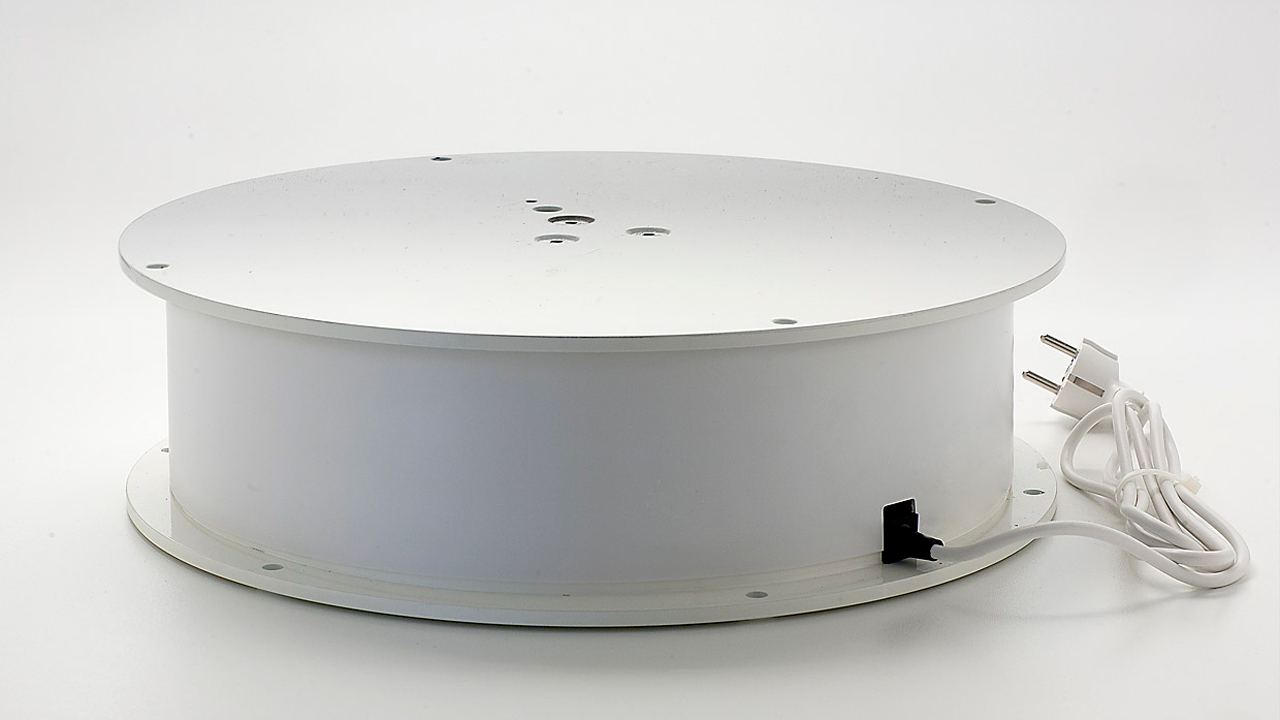
Better 3D scans with a turntable
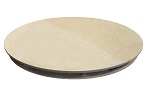
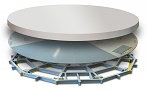
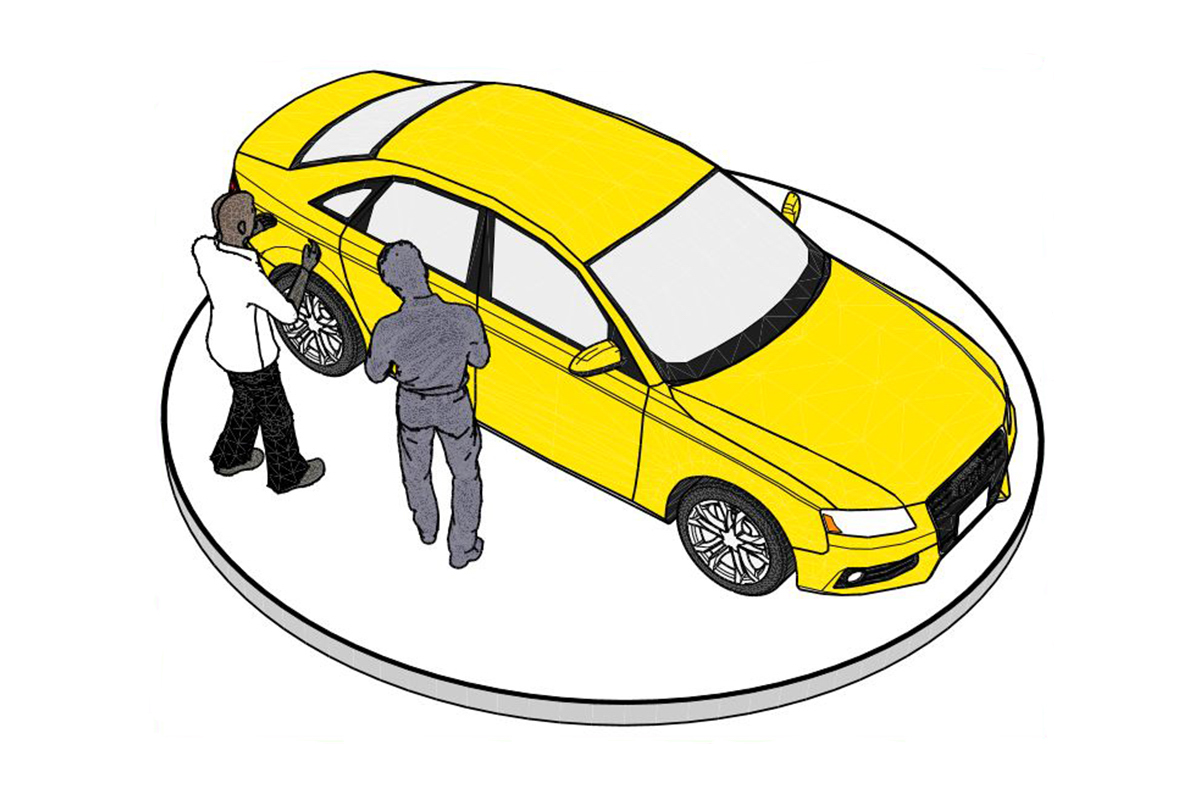
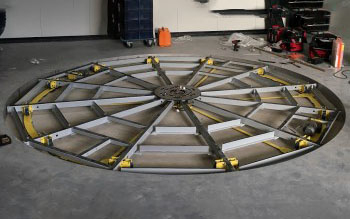
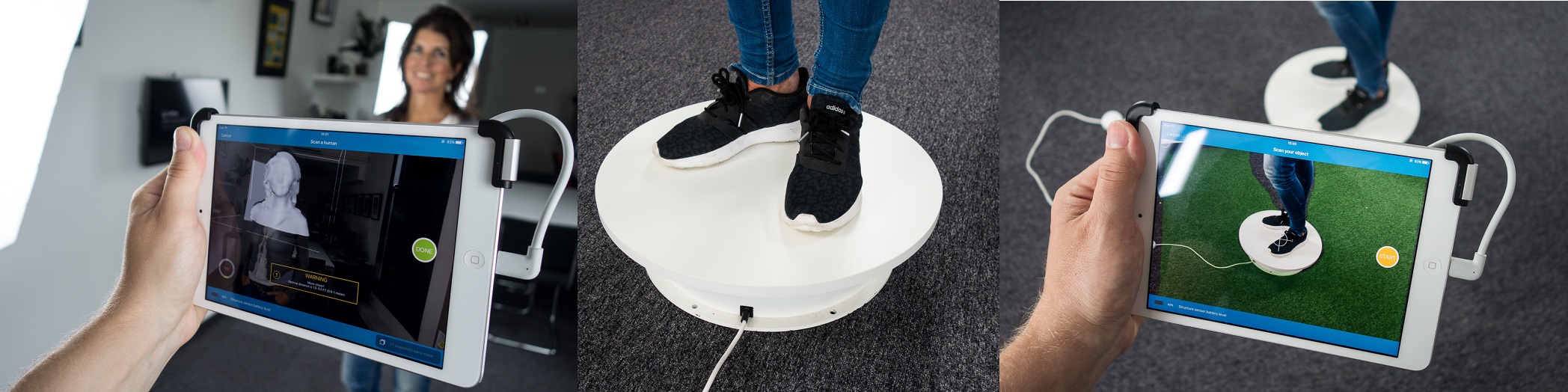
By using a stable revolving platform from Pre-Motion, you’ll create a 3D scan quickly and with ease! Place your product or a person on the turntable and start scanning. The result: beautiful images you can use for your 3D printer, 3D animation, computer game or medical application.
Making 3D scans of products and persons is becoming increasingly popular. As a result, developments in the field of 3D scanning move extremely fast. Affordable 3D handheld scanners, 3D printers and 3D software are taking the market by storm.
Tip: our most popular 3D scan platform
How does a 3D scan turntable work?
- Place a person or object on the platform.
- Turn on the turntable and start the 360° scanning process.
- Finished! The turntable is ready for the next scan.
"If you want to scan bigger objects or humans, you’ll have to buy something serious. I own an electric turntable manufactured by Dutch company Pre-Motion, that can hold up to 100 kilograms. They have
two versions with different fixed speeds and I tested both to discover that the slowest 0.8 RPM version works great for 3D Scanning."
3D Expert
Check out our full range of electric turntables
360-DEGREE 3D SCAN
-
How can I place an order with Pre-Motion?
You can order a single turntable from us, or several at once. Small turntables can be ordered online directly. For large orders, please contact Pre-Motion; we’ll gladly offer advice and give you a quotation.
If you’re interested in a medium turntable or large revolving platform, please let us know your ideas and wishes. Based on these, you’ll get a tailor-made quotation from us. Large revolving platforms will be installed at your location by our installation team
-
When can I expect delivery of my online order?
Order are usually delivered in 3 - 4 business days; Pre-Motion delivers the small turntables from stock. Generally, after payment has been confirmed, they will be shipped the same day. Some additional options and the delivery of large turntables may take a little more time.
-
How do I activate quantity discount on a large order?
With each turntable the volume discount/quantum discount is indicated. This discount is applied automatically in your shopping cart. Larger quantities (> 100) available
op on request.
-
What payment methods can I use?
Our customers can choose between the following payment methods:
- American Express
- Visa
- Mastercard
- Maestro
- PayPal
- Transfer (2 - 3 days extra delivery time)
-
What delivery methods can I choose from?
You may pick up you order at our office (in Veenendaal, the Netherlands) or we'll ship your order to your address. We ship turntables up to Ø 80 cm with DPD parcel service. They will deliver during office hours. Once we have shipped your order, you’ll receive a Track & Trace-code so that you can follow your parcel.
-
Does Pre-Motion ship to countries outside the European Union (EU)?
We only ship to countries within the European Union through the webshop. For shipping to countries outside the European Union, please contact us.
-
Do I have to pay VAT on my purchase?
Net prices are listed exclusive of VAT. Dutch taxes (21%) are calculated and displayed at checkout.
As a foreign company you will not have to pay VAT to the Dutch authorities. If you enter your VAT number when paying for your order, we will set the VAT at 0% (please fill in your VAT-number without spaces).
-
Do I have to pay shipping costs?
Delivery costs vary depending of the country of delivery and the size of your order. Check out our
overview of countries we ship to, mentioning the delivery costs for each country.
-
Can I view a turntable at Pre-Motion before placing an order?
Electric turntables may also be picked up at Pre-Motion (in Ede, the Netherlands), so you can see the turntable spinning before you buy. Please do call us in advance to make an appointment (+31318505780). You can pay with your debit card and take your order with you right away.
-
Can I make changes to my order after placing it?
We strive to ship incoming orders as quickly as possible (same-day shipping). After handling and shipping of your order, it is no longer possible to change it. We generally dispatch same day so please
contact us as soon as possible if you would like to make any changes to your order.
NEED HELP?
Choosing the right turntable for your 3D scans can be quite a challenge. We’re happy to assist!
Contact us
6 TIPS FOR GREAT 3D SCANS WITH A TURNTABLE
Tip 1: Choose the right size turntable
Use a small turntable for scans of small objects. This way you can place your camera closer to the object you want to scan.
Tip 2: Arrange for a neutral background
A neutral background is a must. The simpler, the better. Sometimes a roll of white background paper is all it takes!
Tip 3: Make scans with a good camera
Make sure you have a good camera and other photography equipment. With 3D scans, sharp pictures are crucial to get good image quality when zooming in.
Tip 4: Use a tripod
A very small object (the size of a coin, for instance) can be attached to a tripod you place on the turntable. This way you can still scan the product from above, below and the side.
Tip 5: Create proper lighting
Create diffused light in your photography space. Diffused light will hit the object you’re scanning from various angles, which will prevent undesired shadows and extreme contrasts.
Tip 6: Scan clean objects
It’s important you thoroughly clean the object to be scanned before starting your 3D scan. This will prevent time-consuming corrections and image processing later on.